
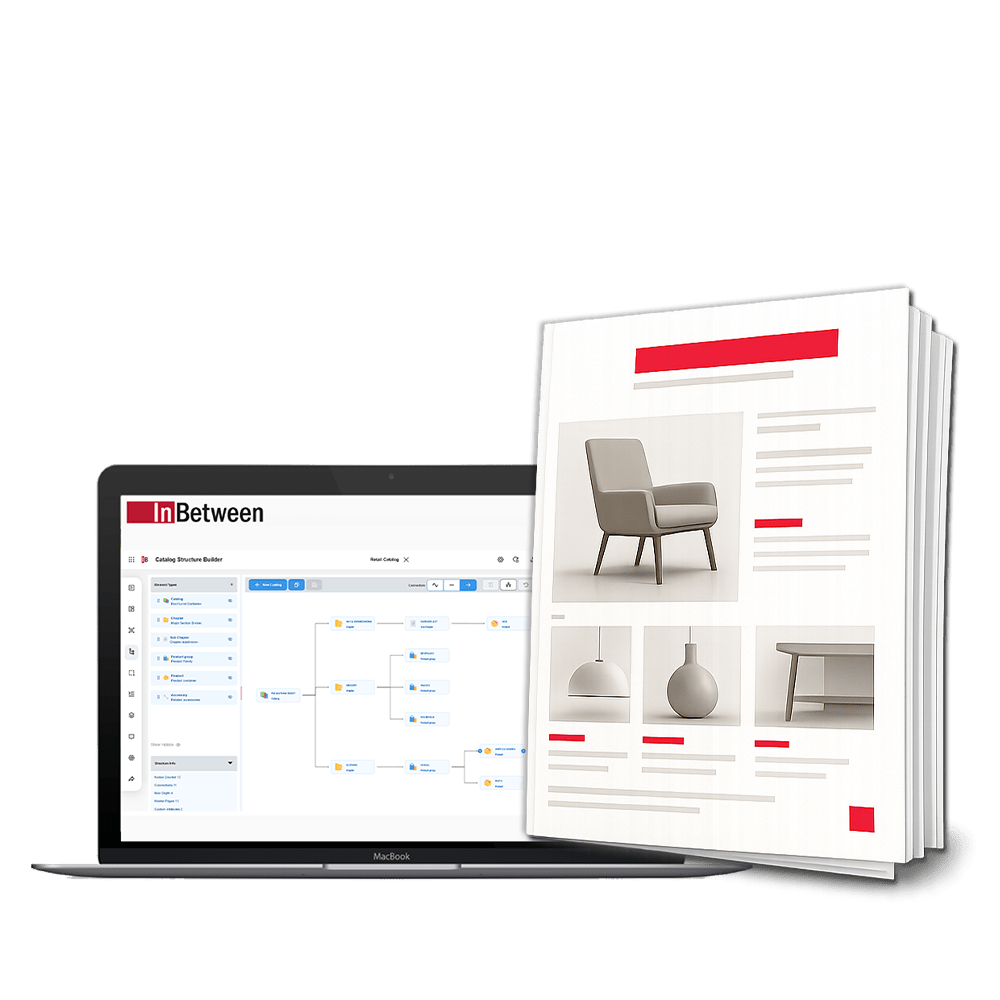
Solution Overview
Who is it for?
Manufacturers, distributors, and publishing teams producing complex, recurring, or multi-market product catalogs.
Purpose:
Central, web-based planning of the complete catalog structure — connected with product data and master pages, and reusable for future editions, markets, and languages.
- Freely configurable catalog hierarchies — chapters, product groups, accessories, indexes
- Visual, web-based planning interface with drag & drop
- Product groups created manually or imported from PIM or host systems
- Master page assignment for every structure node
- Custom and multilingual attributes, available as project variables
Build the complete
catalog hierarchy
Create a catalog structure that reflects how customers navigate your products — not simply how the information is organized in your source system.
Freely configurable hierarchy levels
- ✓Covers & back covers
- ✓Chapters & subchapters
- ✓Product groups & families
- ✓Products & accessories
- ✓Information & editorial pages
- ✓Tables of contents
- ✓Article & manufacturer indexes
Product assignment
Create product groups manually or import them from a PIM or host system, then assign products to the relevant groups. Structure objects can have multiple parent relationships — for example, shared accessories associated with several product families at once.

Plan visually in one
web-based interface
Even complex catalog structures stay transparent and easy to manage — structure, attributes, and product assignments are all available within the same workspace.
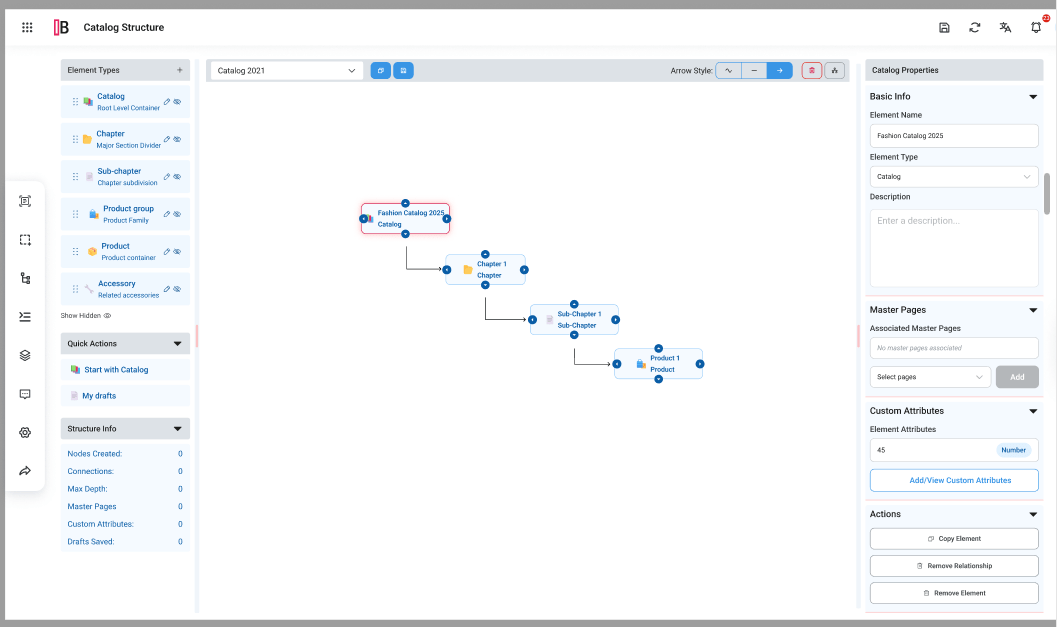
- ✓Create and name nodes, and assign node types
- ✓Move elements using drag & drop, and duplicate existing nodes
- ✓Define relationships visually between structure objects
- ✓Visual indicators show whether master pages or attributes have already been assigned
- ✓Follows the established Publication Wizard user-rights concept
Each structure node can be associated with one or more master pages. They define how the relevant section is created in the final publication — and their sequence is retained when the catalog is generated.
Add custom and
multilingual information
Structure nodes can be enriched with custom attributes — maintained separately per language and automatically resolved during generation.
Custom attributes per node
- ✓Titles & descriptions
- ✓Images, photos & pictograms
- ✓Colors for chapters & register tabs
- ✓Dates, numbers & boolean values
- ✓Defined value lists & template selections
- ✓Market & distributor information
Multilingual by design
Maintain attribute values separately for different languages — during generation, InBetween automatically provides the appropriate language-specific value.
Available in templates
Attributes are converted into InBetween project variables and can be used in templates and generation queries, so structure information directly controls layout and content.

Reuse proven
catalog structures
Save complete catalog structures and use them as the basis for new publications — ideal for annual catalogs, localized versions, and distributor-specific publications.
Copy & update
A previous catalog can be copied for a new edition — the structure remains consistent while individual attribute values are updated. No rebuilding from scratch.
From structure to publication
in five steps
Start a new catalog and add the required structure objects in the web-based interface.
Arrange chapters, product groups, accessories, and other elements in the required hierarchy.
Assign products to product groups and enrich nodes with custom or language-specific information.
Connect each section with the master pages required for the final publication.
Save the structure and select it when creating a new publication. Sections and pages are created in the defined order.
Greater control over
complex catalog projects
The complete catalog is defined before page generation — minimizing structural and sequencing errors from the start.
Reduce repetitive configuration work for every new edition, market variant, or language version.
Manage structure, product assignments, attributes, and layouts in one web-based interface inside Publication Wizard.
Designed for demanding
publishing scenarios
Multilingual & multi-market publications
Maintain language-specific attribute values in one structure and let InBetween resolve the right value at generation time.
Manufacturer & distributor catalogs
Enrich the structure with market, distributor, or publication-specific information alongside PIM product data.
Multi-brand & multi-supplier catalogs
Arrange product groups on different hierarchy levels — reflecting different family structures and product types per supplier.
Complex product families & accessories
Associate shared accessories with several product families at once using multiple parent relationships.
