
By industry · Healthcare & MedTech
Publishing automation for
healthcare & MedTech
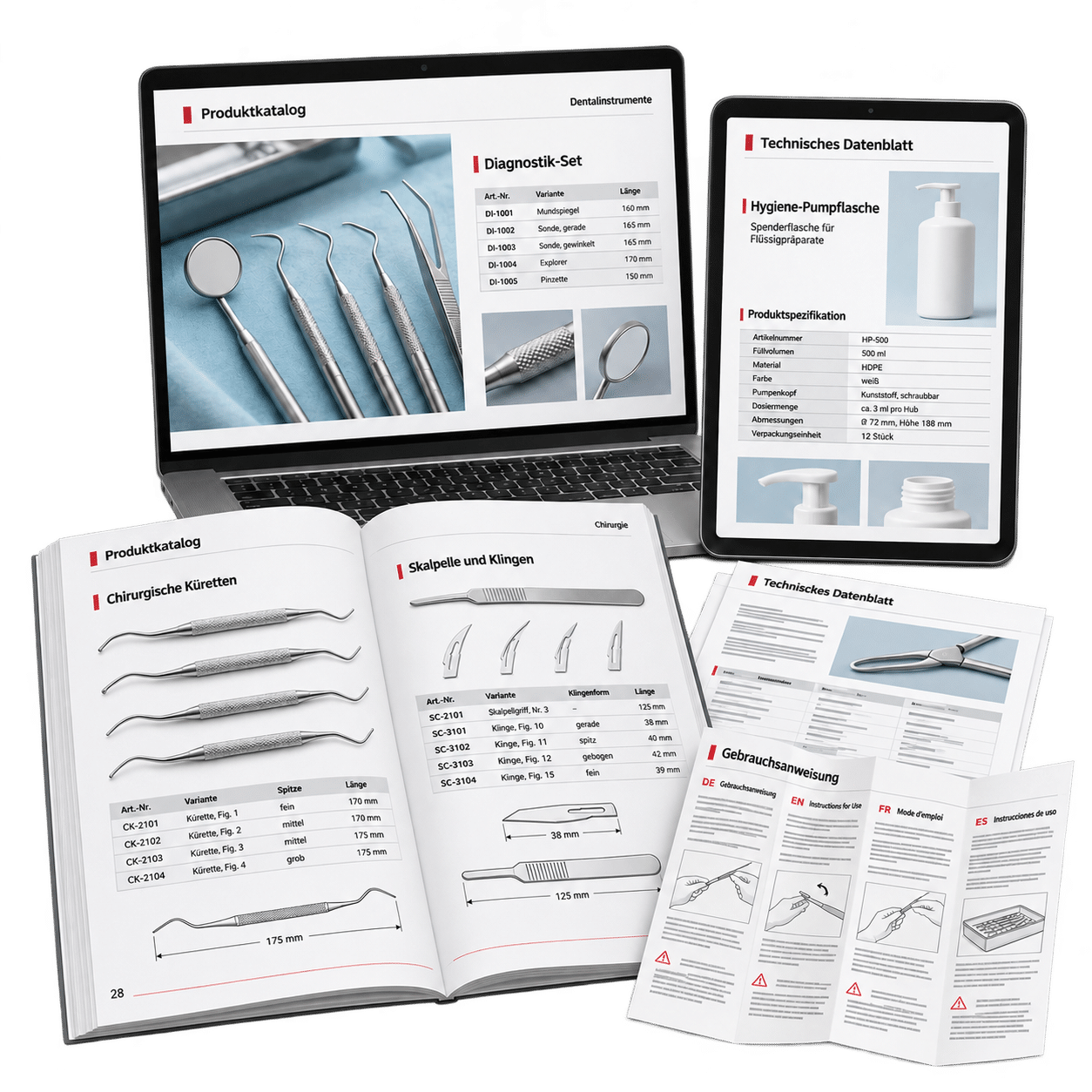
In healthcare and medical technology, catalogs, datasheets and instructions for use need to communicate complex product information accurately. Information on safe use and regulatory information are particularly important. InBetween helps you create and update these publications with less manual effort.
A technical specification changes, a new product variant is added or another language version is needed: every change must be reflected in the relevant publications. For the teams responsible, this means reviewing content, adjusting tables and keeping all editions consistent.
InBetween brings structured product information from existing systems together with defined layouts and publishing rules. This helps you produce and update even extensive multilingual publications efficiently. Technical review and approval remain part of your existing process.
Industry challenges
Complex products, critical information,
international markets
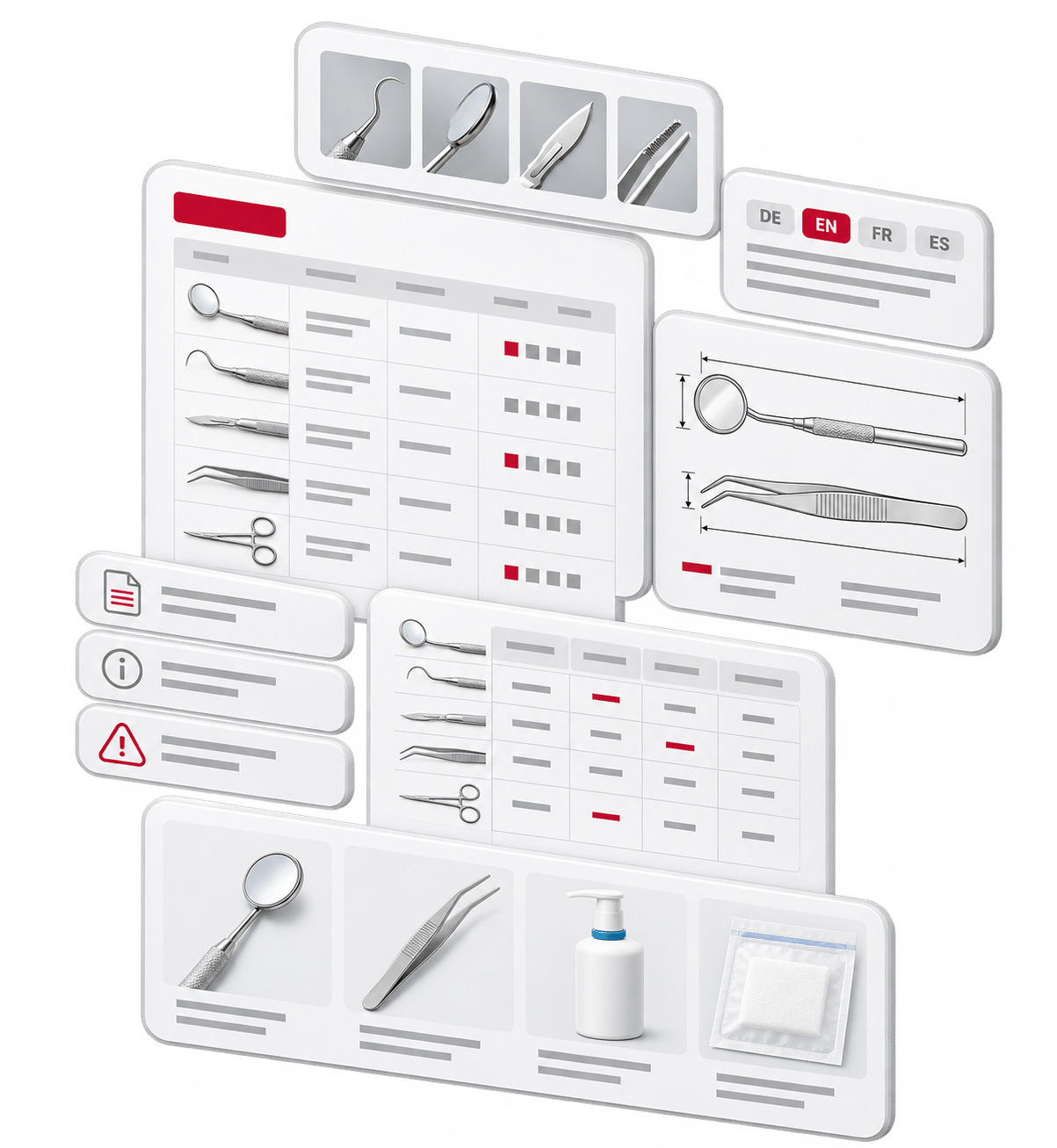
A medical instrument available in different sizes and configurations, compatible accessories and technical specifications for its use: even a single product group can involve a wide range of information. Depending on the product, this also includes instructions for safe use and regulatory information.
This information must be associated with the correct product and presented clearly in each publication. International markets add further complexity through additional languages and different content requirements.
Extensive product information
- Numerous product variants, sizes and configurations
- Technical specifications and complex tables
- Relationships between products and accessories
Safe use and regulatory information
- Product-specific instructions and safety information
- Information relevant to standards and regulatory requirements
- Content appropriate to the intended use
Languages and publication formats
- Multilingual catalogs and product datasheets
- Instructions for use (IFUs)
- Different editions for markets, audiences and output channels
Every additional variant and language version increases the effort needed to keep information consistent. Structured source data and reusable publishing rules simplify production and subsequent updates.
Less repetitive work. Consistent content.
Less manual data transfer,
more consistent publications
Transferring product information into layouts by hand means repeating many of the same tasks. Publishing automation reduces this repetitive work and makes extensive technical content easier to manage.
Structured data. Reusable rules. Clear processes.
From product data to the finished publication
InBetween combines product information from systems such as PIM, ERP, CMS and DAM with layout templates and publishing rules. The appropriate level of automation depends on the document, its structure and its design requirements.
-
Use your existing data
Product descriptions, technical attributes, variants, translations and images come from their respective source systems. Approved instructions and safety information can also form part of this content.
InBetween uses the connected data to produce the publication. This requires complete information that is correctly assigned to the relevant edition.
-
Define rules for content and presentation
Publishing rules determine which information appears in each edition and how it is presented. These rules can cover:
- Product selection and grouping
- Presentation of technical attributes and variant tables
- Assignment of accessories
- Language-specific and market-specific content
- Different templates for catalogs, datasheets and instructions for use
The responsible teams define which content a publication must include. Reusable rules then make it easier to produce further editions.
-
Automate recurring layout tasks
Product grids, tables and technical specifications often follow recurring structures. InBetween places this content according to defined rules.
Existing layouts can provide the basis for implementation. When working with Adobe InDesign, the design team defines the typography, page structure and visual presentation. Recurring structures are translated into templates and rules.
When source data changes, affected content can be updated or documents regenerated, depending on the configuration. This reduces the effort required for repeated manual adjustments.
-
Review and approve publications
Your specialist teams remain responsible for reviewing and approving the finished publication. They check that the required content is complete, presented correctly and suitable for the relevant edition.
This allows automation to fit into existing responsibilities and review processes.
One shared data foundation for different publications
With suitable templates and rules, the same product information can be used across different documents:
- Product and accessory catalogs
- Product datasheets and technical datasheets
- Instructions for use (IFUs)
- Product overviews and sales materials
Each publication type receives the content and layout intended for it. Language versions and market-specific editions use the data prepared for those requirements.
Results in practice
From product data to finished publications
WERO demonstrates how extensive product attributes, tables and technical specifications can flow directly from Akeneo PIM into catalog layouts. Arkema combines Akeneo PIM with InBetween to automate the creation of technical datasheets in layouts tailored to its business areas.
Explore two examples of managing complex product information: WERO, specializing in first aid, hygiene and occupational safety, and Arkema, providing an additional perspective from the chemical industry.
WERO · Customer story
Up to 200 attributes per product
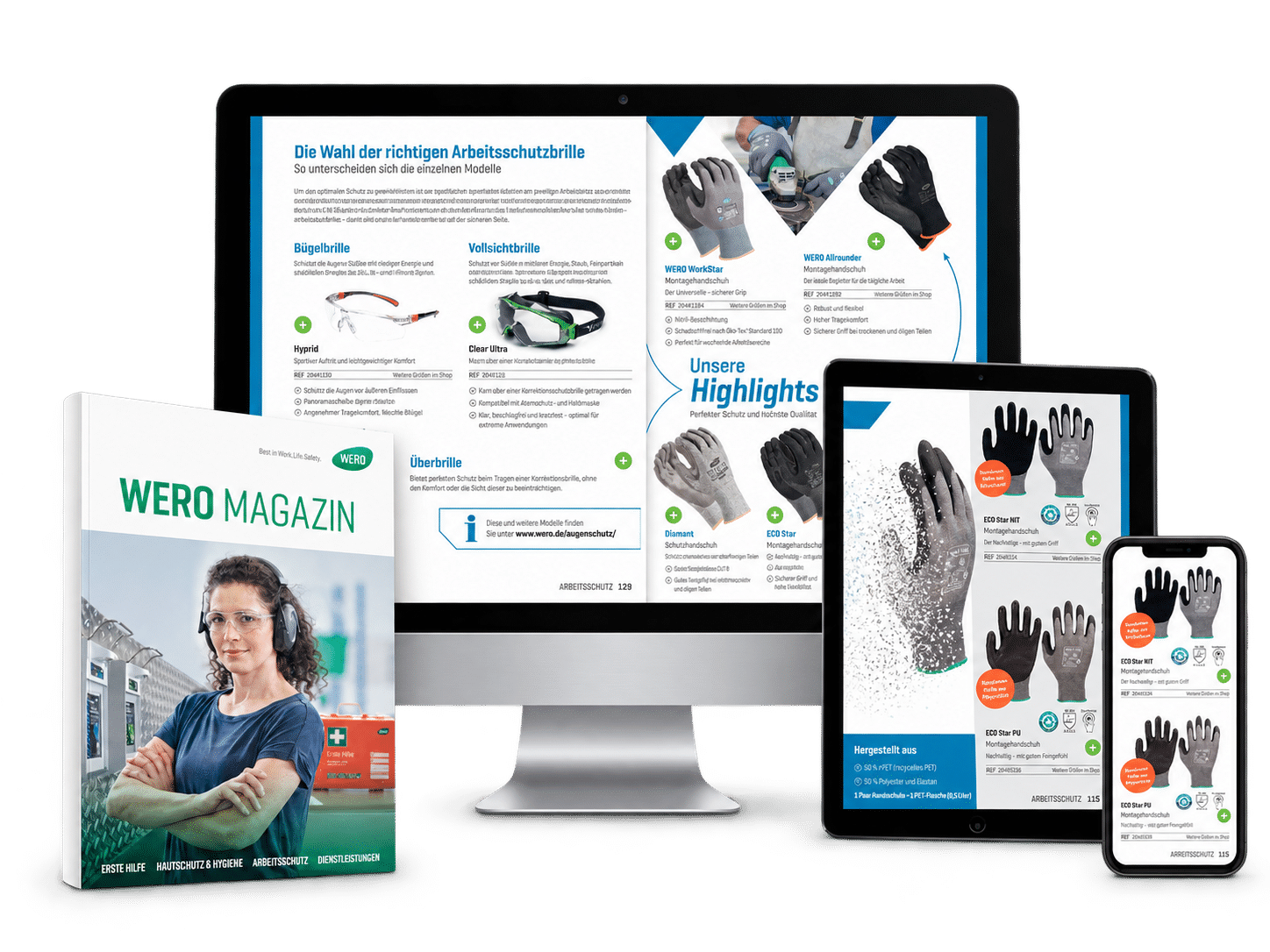
WERO specializes in first aid, skin protection, hygiene and occupational safety. The company produces information-rich product catalogs for its individual business areas, serving both print and digital channels.
Alongside text and images, the catalogs contain complex tables and technical specifications. Preparing this content manually in Word and Adobe InDesign was time-consuming and prone to errors.
Connecting Akeneo PIM with InBetween brings product attributes, tables and regulatory information directly into Adobe InDesign. This reduces manual data transfer and makes it easier to update catalog content consistently, including dimensional specifications related to standards.
The InBetween Adobe InDesign Plugin connects data-driven production with layout design.

Arkema · Customer story from the chemical industry
Potential savings of more than 8,000 working days
Arkema consolidated product information previously spread across different systems in Akeneo PIM. With InBetween, the company automatically generates technical datasheets using layouts tailored to its individual business areas.
According to the published project figures, creating a datasheet now takes just 3 minutes, compared with one hour previously. The project also reports lower costs and improved data quality.
For the overall project, Arkema identifies potential savings of more than 8,000 working days and several million euros. The time saved is intended to allow a greater focus on customers.


Let’s talk
Publish product information more efficiently
Create and update catalogs, datasheets and instructions for use with less manual effort. Structured product data and reusable templates help you produce consistent editions for different languages and markets.
Let’s discuss which publication would make a suitable starting point and how InBetween can support your existing data, design and approval processes.
Frequently asked questions
Publishing automation for healthcare & MedTech: FAQs
Answers about publication types, regulatory information, language versions and getting started with automated publishing.
Which types of publications can be automated?
These include product and accessory catalogs, technical datasheets and instructions for use. The achievable level of automation depends on how well the content is structured and how consistently the document structure and design repeat.
How does publishing automation support regulatory requirements?
Publishing automation helps incorporate approved content consistently and reduces manual data transfer. The responsible specialist teams determine which information is required for each product and market. Technical and regulatory review, along with approval, remain part of the publishing process.
Can the production of instructions for use be automated?
Yes. The production of instructions for use (IFUs) can be automated using structured content and suitable templates. The achievable level of automation depends on the document structure and available source data. Content requirements, review steps and approvals are taken into account during implementation.
How are different language and country editions produced?
Templates and rules combine the appropriate product selection with the required language-specific and market-specific information. Translations and market-specific content must be available in the connected systems and approved for publication.
How are changes to technical specifications incorporated?
Changes are first maintained in the relevant source system. InBetween can then import the updated data and update the affected content or regenerate it, depending on the configured workflow. Documents that have already been distributed are not automatically replaced.
What is needed to get started?
A regularly updated publication with a recurring structure is a suitable starting point. The first step is to identify the required content, images, language versions and layout templates, along with the review and publishing requirements. A manageable pilot project shows how well the data is prepared and which level of automation suits the publication.
About InBetween
InBetween Deutschland GmbH, a global leader in digital publishing solutions, has been at the forefront of product and brand professionalisation for more than 20 years. Our software automatically creates catalogs, sales folders, price lists, datasheets, and more, all based on your latest product data. This saves you significant and measurable time and costs, while increasing the quality of your output documents by reducing manual errors. Our solution offers both fully or partially automated publications, personalised for different customer segments, in a variety of output formats and languages suiting your company.
